How to Optimize Your Google Business Profile in 2026 (Step-by-Step)
A complete, practical guide to claiming your profile, filling it out correctly, adding photos, managing reviews, and using the new AI features Google rolled out this year.
When someone near you searches for what you offer on Google, they see a list. If you are not on that list, or if you are buried at the bottom, they move on to someone else. That's not dramatic, it's how Google works. The businesses that show up first in Google Maps and local search results get the calls. The ones that don't, don't.
Your Google Business Profile is your storefront on Google. It shows your location, hours, photos, customer reviews, and everything else someone needs to decide whether to call you. Most consumers use Google to find local businesses. Optimizing your profile is not optional if you want to stay competitive.
The good news: you can see real results quickly. Businesses that complete their profiles get 7x more clicks than those with incomplete profiles (Source: SearchLab, 2026). This guide walks you through the six most important steps, explains the new 2026 AI features, and answers your most common questions.
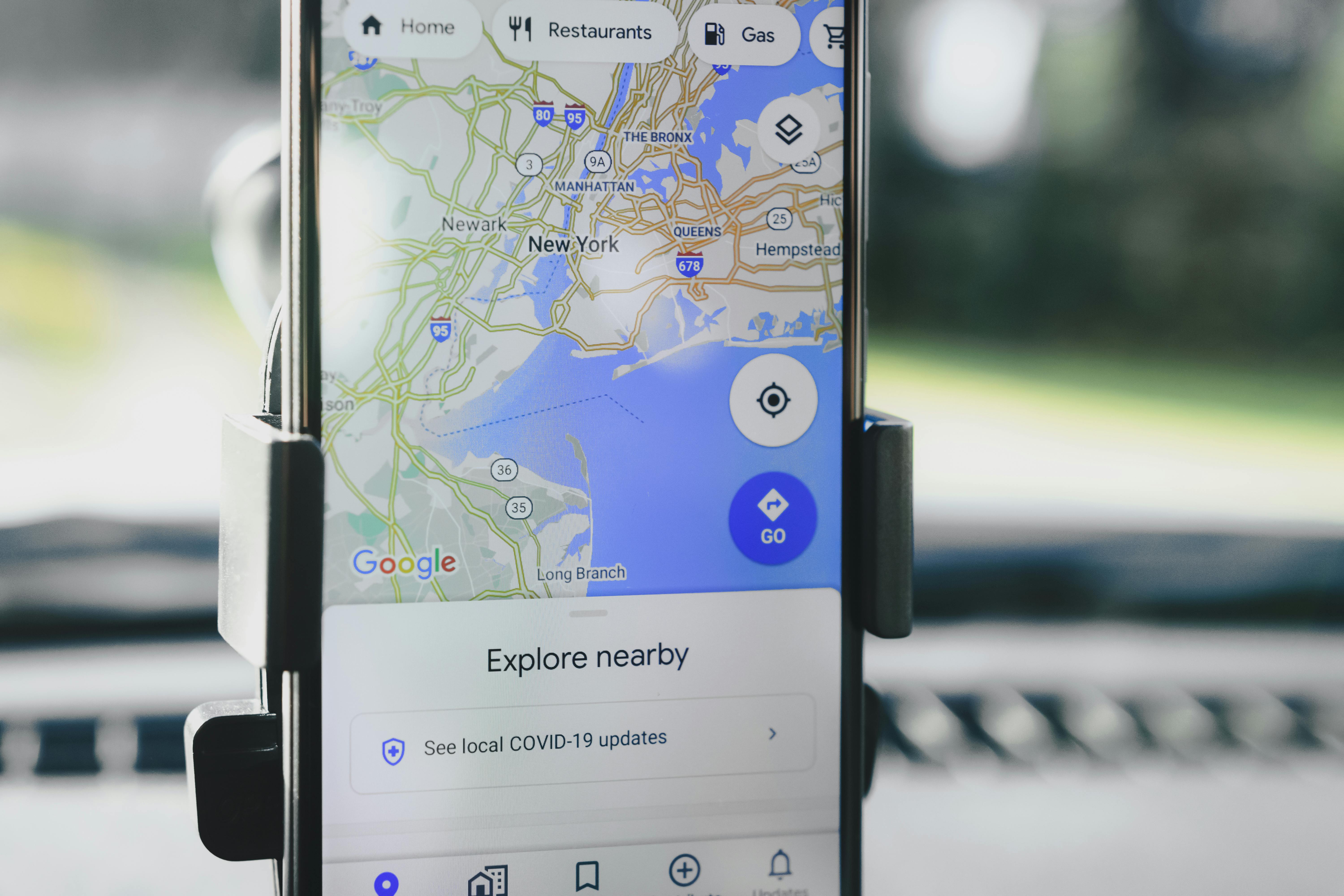
- Complete profiles get 7x more clicks. You can see results in 2 to 4 weeks
- Profiles with 100+ photos see 520% more phone calls than sparse profiles
- New 2026: anonymous reviews, AI-moderated replies, Gemini review summaries, AI Overview integration
- Weekly posts deliver 28% more website clicks than monthly posting
- 62% of consumers avoid businesses with incorrect online information
Why Your Google Business Profile Matters More Than Ever in 2026
Almost nine out of ten consumers use Google to find local businesses. The stakes are higher now because Google's AI is getting smarter, and how you present yourself on your profile affects whether you show up in regular search results, on Google Maps, and even in AI overviews when people ask ChatGPT or Gemini for recommendations.
Your competition is already optimizing. If your profile sits incomplete while your competitor's is polished with photos and reviews, Google shows them first. And when customers see a strong profile with good reviews, they are ready to call. When they see poor photos, missing information, or no reviews, they click to the next result.
Your profile is also the most cost-effective marketing tool you have. You own it. You don't pay Google per click like you do with ads. And customers find you because they are actively searching for what you offer.
Step 1: Claim and Verify Your Profile
Before you optimize anything, you need to own your profile. If you haven't claimed it, someone else might have, or Google created a listing with incomplete information that you can't control. Claiming takes about 10 minutes, and verification takes 3 to 5 business days.
How to claim your profile: Go to business.google.com and sign in with your Google account. Search for your business name and address. If you find it, click "Claim this business." If it doesn't exist, click "Create a new business listing." Fill in your name, address, phone, website, and business category. Google will send a verification code by postcard or offer instant verification by phone for some businesses. Enter the code and you're done.
Do this first. Everything else builds on it.
Step 2: Fill Out Every Section Completely
A complete profile gets 7x more clicks than an incomplete one (Source: SearchLab, 2026). Filling out every field takes about 30 minutes, and the payoff is real. Here's what to include:
- Business name: Use your official name. Don't add keywords. Google doesn't allow it and will flag your profile.
- Address: Service-based businesses with no physical location can hide the address and set a service area instead.
- Phone number: Use the main line where customers can reach you. Set up voicemail if you can't always answer.
- Website: Link to your homepage or main service page, not a contact form.
- Hours: Set correct hours including holiday closures. Wrong hours are one of the fastest ways to lose customers.
- Business description: Write up to 750 characters describing what you do and who you serve. Be specific. "Licensed Miami plumber, 20 years experience" beats "We provide services."
- Attributes: Check every box that applies. Wheelchair accessible, online ordering, takeout, etc.
Incomplete profiles confuse Google's algorithm. Filling everything out tells Google: this is a real, active business. Show it to customers.
Step 3: Choose the Right Business Categories
Google uses categories to figure out what you do and when to show you in search results. Pick the wrong categories and you won't appear for the searches your customers actually use.
Choose your primary category first. This should be the one main thing your business does. If you're a dentist, pick "Dentist." If you're a plumber, pick "Plumber." Your primary category is what Google uses most often to rank you.
Then add secondary categories for related services. A plumber might add "Drain Cleaning," "Water Heater Repair," and "Leak Detection." Keep it to 5 or fewer. More doesn't help and can confuse the algorithm.
Step 4: Add Photos Consistently
This is the step that separates the winners. Profiles with 100+ photos see 520% more phone calls than profiles with fewer photos (Source: SearchLab, 2026). Five hundred percent. That's the difference between getting calls and not getting them.
People want to see what they're getting into before they call. Show them your storefront, your team, your work in progress, completed projects, and behind-the-scenes moments. Include close-ups, wide shots, and people photos. Humans connect with humans, not just buildings.
Add photos consistently. Upload 20 to 30 right now, then add 4 to 8 new photos every month. Make sure all photos are clear, well-lit, and at least 720px wide. Add a description to each photo. Google can't see inside images, so a label like "Miami kitchen remodel, before and after" helps Google understand the context.
Step 5: Build and Manage Your Reviews
97% of consumers read reviews before choosing a local business (Source: BrightLocal, 2026). And ratings matter: listings with 4.5-star ratings achieve the highest click-through rate at 44%, actually outperforming perfect 5-star profiles (Source: SearchLab, 2026).
You need reviews. And more importantly, you need to respond to them. Responding to just 25% of reviews correlates with 35% more revenue (Source: Womply, 2019). Customers see that you care about feedback, and Google sees that your profile is actively managed.
How to get more reviews: Ask customers after a good experience. Send a text with a direct link to your review page. Put a QR code on your counter or in your invoice. Make it as easy as one tap.
How to respond: Reply to all reviews within 48 hours. Thank customers for positive reviews. For negative reviews, stay professional, apologize if something went wrong, and offer to resolve it offline. Never argue in the comments.
Curious about the exact math on how many reviews you need to actually beat your competition? Our review strategy guide walks through the numbers and thresholds that matter.
Step 6: Post Weekly Updates
Weekly Google Business Profile posts deliver 28% more website clicks than monthly posting (Source: SearchLab, 2026). Posts are announcements that appear on your profile and in Google search results. They tell customers what's new, what's on sale, or what you're doing this week.
What to post: new services, special offers, holiday hours, team updates, before-and-after photos, or customer success stories. Keep posts under 300 characters with a clear call to action. "Call now for a free estimate" works. "Check us out" doesn't.
Set a reminder every Monday. Post directly in your GBP dashboard or use a scheduling tool. When customers see regular posts, they know you're active and open for business.
What's New in 2026: AI Changes You Need to Know
Google has made significant changes to how profiles work and what customers see. If you set up your profile a year ago and haven't touched it since, these updates affect you directly.
Anonymous and Pseudonymous Reviews
Starting in November 2025, Google allows people to leave reviews anonymously or under a custom display name. This means you might get more reviews overall, including from customers in sensitive industries like healthcare or legal who were hesitant before. Respond to anonymous reviews the same way you'd respond to any review.
Review Reply Moderation
When you reply to a review, your response now goes through a pending period before it appears. You'll see "Pending," then "Approved" once it's live. Google filters out responses that violate its policy. This actually protects you by catching any reactive or off-brand replies before they go public.
Gemini AI Generates Review Summaries
Google's Gemini AI automatically generates a summary of your reviews and displays it prominently on your profile. The summary pulls themes from actual reviews. If you have 50 reviews saying "fast service, fair price," that's what the summary highlights. You don't control the summary, but you control the reviews that feed into it.
Google AI Overviews Now Feature GBP Data
When someone asks Google, ChatGPT, or Gemini "best plumber in Miami," the AI pulls information from top-ranked Google Business Profiles. Your address, phone number, hours, and top reviews can appear in the AI response. This makes accuracy critical: 62% of consumers avoid businesses with incorrect online information (Source: BrightLocal Local Business Discovery and Trust Report, 2023).
Consumer adoption of AI tools like ChatGPT and Gemini for local business recommendations is accelerating. Nearly half your potential customers may not be searching Google directly. They're asking AI. If your profile is incomplete, AI won't recommend you.
FAQ: Google Business Profile Optimization
How long does it take to see results from optimizing my GBP?
You can see improvements in your Google Maps visibility within 2 to 4 weeks if you have a complete profile. Complete profiles get 7x more clicks than incomplete ones, so finishing all fields is the fastest path to results. Major ranking changes typically take 60 to 90 days as Google indexes your updates and reviews accumulate.
Do I need to hire someone to optimize my Google Business Profile?
You can do basic optimization yourself by following this guide. Claiming your profile, filling out all sections, choosing the right categories, and responding to reviews are all free. However, managing photos, generating review requests, and strategic posting takes time. A Google Business Profile management service handles all of this consistently each month.
What's the difference between Google Business Profile and Google Maps?
Your Google Business Profile is the backend tool where you manage your business information. Google Maps is where customers see your listing. When you optimize your GBP, those changes appear on Google Maps and in Google search results. Think of GBP as the control panel and Google Maps as the storefront.
How many photos should I add to my Google Business Profile?
Aim for at least 50 to 100 photos. Profiles with 100+ images see 520% more phone calls compared to those with fewer images. Include your storefront, team, products or services in action, and behind-the-scenes moments. Add new photos monthly to keep your profile fresh in Google's eyes.
What should I do about negative reviews?
Respond professionally and quickly. A thoughtful response shows future customers that you care. Responding to 25% of reviews correlates with 35% more revenue. Never be defensive. Ask the customer to discuss the issue offline and offer to make it right. This often leads to the customer updating or removing their negative review.
Skip the Guesswork. Get a Free GBP Proposal.
Want to know exactly how your profile compares to your competitors and what's costing you calls? We audit your listing and walk you through the proposal at the end. No charge, no obligation.